Mahjong Connect
Mahjong Connect is a tile-matching puzzle built around one rule: two identical tiles clear once you can draw a path between them using no more than three straight line segments, meaning the path bends at most twice. The listing here credits it to Front Network, the indie studio behind the original Flash version that first went up in May 2009 on Newgrounds, where it made the site's front page. It's a good version of the connect rule with one real flaw: the main menu's Leaders button never opened a leaderboard in our tests. It opened a full-screen ad instead, and once it froze on a blank ad slate with no way back into the game.
How many ads stand between you and a tile
The pre-roll before Level 1 loads varied by run. One time it was a single short slate, a Google Ads banner that counted up to about five seconds before dropping straight into the main menu. Another time it was a longer video ad with no visible skip control, followed by a separate tutorial screen with its own SKIP button that demonstrated the connect rule with an animated hand before Level 1 would open. On a phone there's a third layer: a full-screen interstitial, a video ad for a calling app when we tried, covers the entire viewport before the game frame appears, and its Close button did not respond to repeated taps during testing.
What counts as a connectable pair
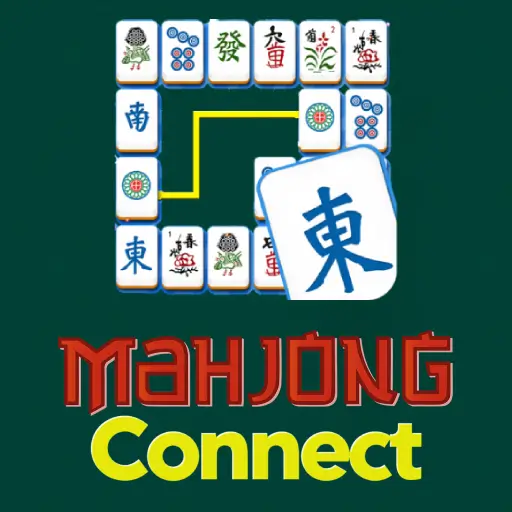
Level 1 deals 56 tiles, eight columns by seven rows, using standard mahjong suits, bamboo, circles, and the character tiles marked wan, rather than a custom art set. Every tile also carries a small number from 1 through 9 printed in its corner, which is the fast way to tell two tiles apart instead of studying the artwork. The on-screen tutorial states the rule plainly: a pair connects if you can join them with no more than three straight lines. Matched tiles are not replaced or reshuffled into the gap; the space just stays empty, so later matches sometimes have to route around holes instead of solid tiles.
What a hint actually costs you
The bar above the board shows a score, a shuffle button, and a hint button, the last two starting with 5 uses each, plus sound and music toggles and a pause button. There's no timer and no move counter anywhere on this screen, and the pause menu confirms it: it only offers Continue or Main Menu, nothing about a clock. Clearing a pair is worth 50 points. Hint and shuffle look free at a glance, but they are not: each hint we used dropped the score by 10 points on top of spending one of the 5 charges, and shuffle did the same while also rearranging every tile still on the board.
Is this the 2009 game, or a copy of it?
Front Network's original spread across Flash portals under a handful of names, including MahJongCon and Mahjong Link, before Flash was retired and HTML5 remakes took over, including one credited to Azerion. Other portals still list it as Mahjong Connect (Legacy) with the same May 2009 date and Front Network credit. What loads in the frame on this page comes from Yandex Games' own file servers by way of a distributor called Playhop, not from Front Network or Azerion directly, so it's a later build of the same design rather than the original file.
The app store links are a different game
Both download links attached to this page point somewhere else entirely. The Google Play listing (package jp.co.aokisoft.ShisenFree) is a Shisen-Sho style app built by Japan's AokiSoft LLC, unrelated to Front Network. The App Store listing, Mahjong Connect Top Games 2022, is published by PLAYTOUCH. Neither is a mobile port of the browser game on this page; installing either gets you a different developer's take on the same matching idea, not this build.
On a phone, once the ad clears
After the interstitial, the board reflows into portrait on its own. There's no rotate prompt and no forced landscape lock. All 56 tiles stay visible at once on a 375-pixel-wide screen, but they shrink enough that the corner numbers, not the artwork, become the fastest way to spot a pair. Controls stay a single tap per tile either way; there's no drag and no double-tap needed on desktop or mobile.
Other boards worth trying
- Mahjong Titans if you'd rather have a single spiral board with no hint or shuffle button at all, so there's nothing to accidentally spend points on.
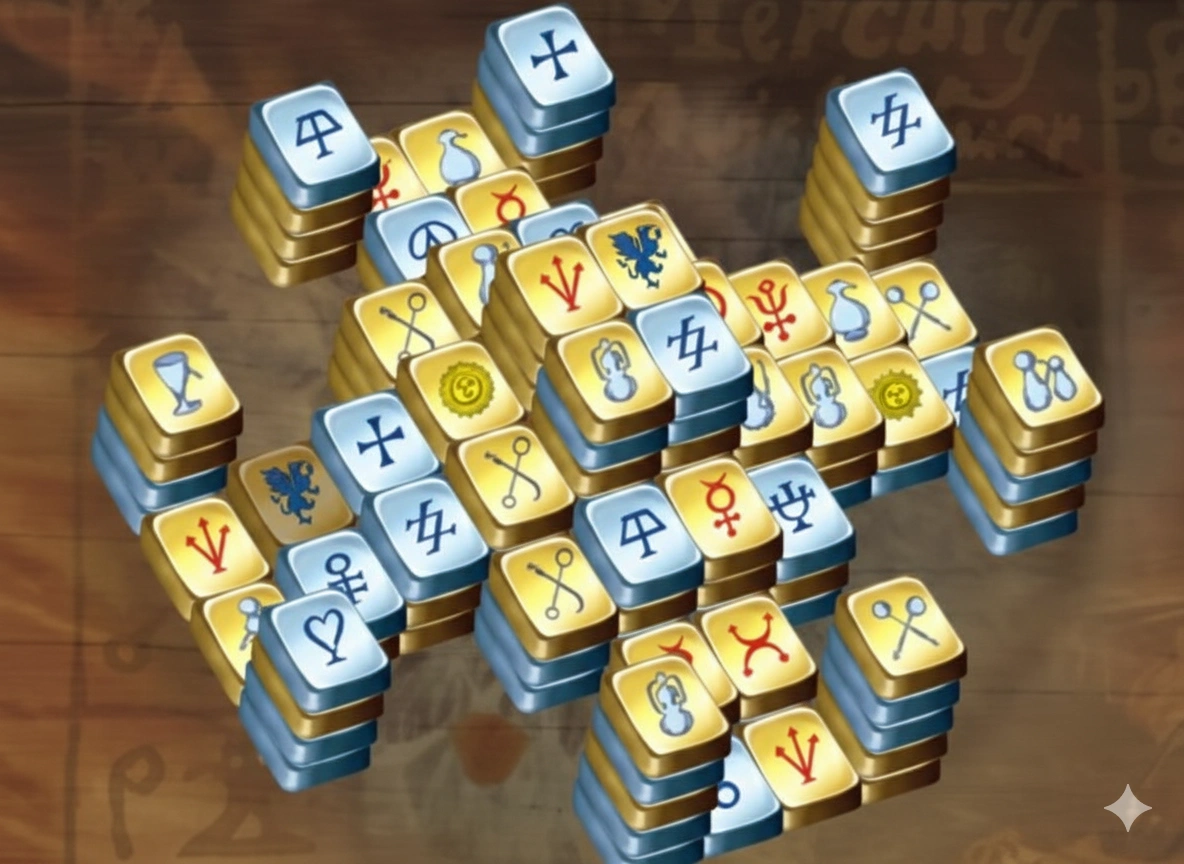
- Mahjong Solitaire for the classic turtle layout with a hint button, if three-line matching isn't the puzzle you're after.
- Vita Mahjong when you want bigger tiles and an undo button instead of a shuffle that costs points.